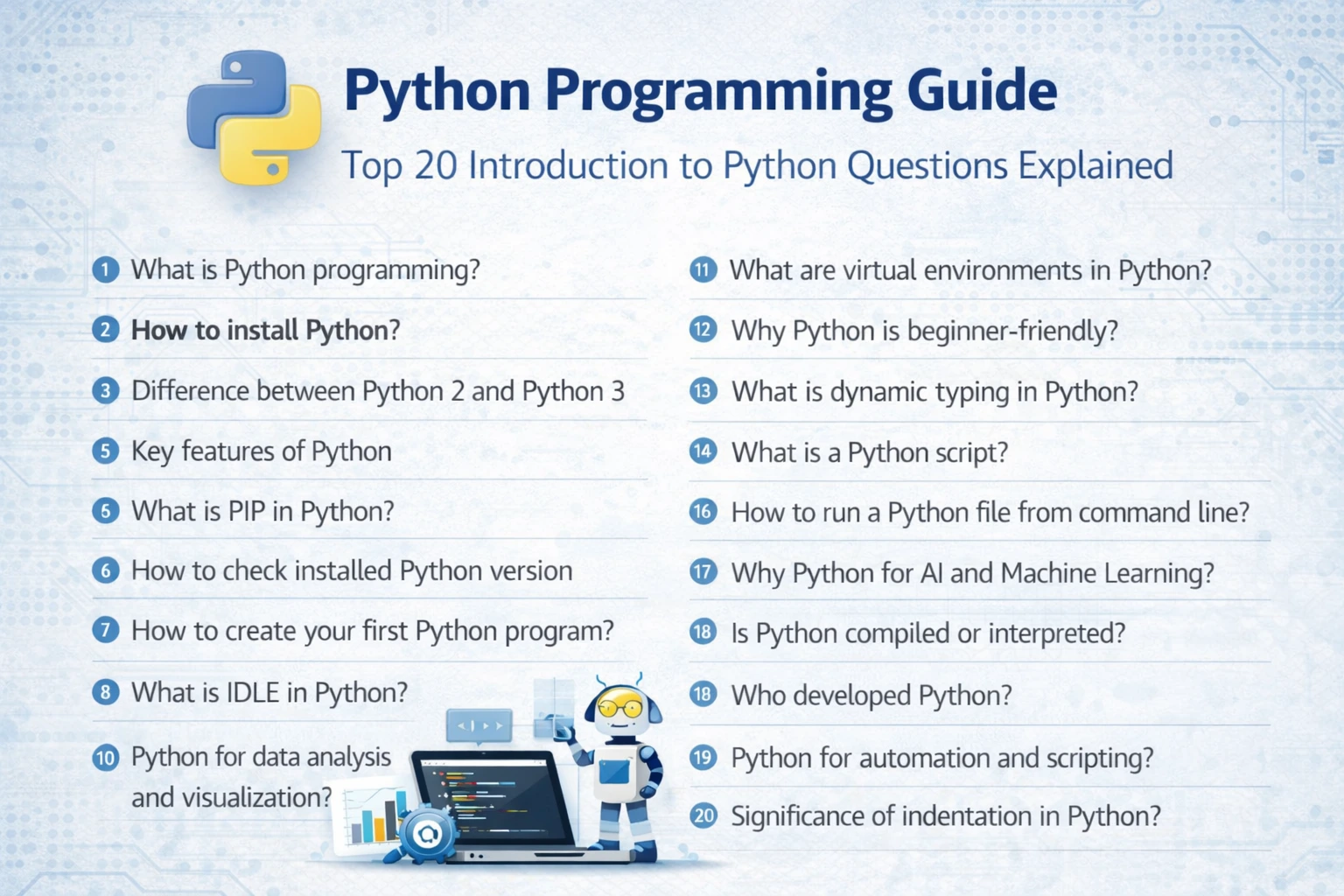
Introduction to Python Programming: Top 20 Questions Explained
Python is one of the most popular programming languages today. Developers use it for many things such as web development, data analysis, automation, artificial intelligence, and scientific computing.
One reason Python is loved by beginners and professionals alike is its simple and readable syntax. You can often solve problems with fewer lines of code compared to many other programming languages.
In this guide, we answer some of the most common questions about Python programming. Whether you are just starting your programming journey or reviewing concepts for interviews, these explanations will help you understand the basics clearly.
Python Questions Covered in This Tutorial
- 1.What is Python programming?
- 2.How to install Python?
- 3.Difference between Python 2 and Python 3
- 4.Key features of Python
- 5.What is PIP in Python?
- 6.How to check installed Python version
- 7.How to create your first Python program
- 8.How to write comments in Python
- 9.What is IDLE in Python
- 10.Python for data analysis and visualization
- 11.What are virtual environments in Python
- 12.Why Python is beginner-friendly
- 13.What is dynamic typing in Python
- 14.What is a Python script
- 15.How to run a Python file from command line
- 16.Why Python is popular for AI and Machine Learning
- 17.Is Python compiled or interpreted
- 18.Who developed Python
- 19.Python for automation and scripting
- 20.Significance of indentation in Python
1. What is Python programming?
Python is a high-level programming language designed to be easy to read and easy to write. Its clear syntax allows developers to focus more on solving problems rather than worrying about complex language rules.
Python can be used to build many different types of applications. For example, developers use Python for:
- Building websites and web applications
- Data analysis and visualization
- Machine learning and artificial intelligence
- Automation scripts
- Scientific and research projects
Because Python is open source and supported by a large global community, thousands of useful libraries and tools are available to make development faster and easier.
2. How to install Python?
Installing Python is straightforward and only takes a few minutes.
Follow these steps:
- Visit the official Python website at www.python.org.
- Download the latest version of Python for your operating system.
- Run the installer.
- Before installing, check the option "Add Python to PATH".
- Click Install Now and wait for the installation to finish.
After installation, open the command prompt or terminal and type:
python --versionIf Python was installed successfully, your system will display the installed version number.
3. What is the difference between Python 2 and Python 3?
Python has two main versions: Python 2 and Python 3. Python 2 was released in 2000 and was widely used for many years. However, official support for Python 2 ended in January 2020.
Today, Python 3 is the standard version used for almost all modern development.
Python 2 Example
print "Hello World"Python 3 Example
print("Hello World")Python 3 also improves how text is handled by using Unicode by default, which makes it easier to work with different languages and characters.
Because of these improvements and ongoing updates, Python 3 is recommended for all new projects.
4. What are the key features of Python?
Python includes many features that make it popular among developers.
- Easy to learn – The syntax is simple and readable.
- Interpreted language – Code runs line by line, which helps during debugging.
- Dynamically typed – You do not need to declare variable types.
- Cross-platform – Programs run on Windows, macOS, and Linux.
- Rich library ecosystem – Thousands of libraries are available for different tasks.
- Object-oriented support – Code can be organized using classes and objects.
- Open source – Anyone can use and contribute to Python.
These features make Python suitable for both small scripts and large-scale applications.
5. What is PIP in Python?
PIP stands for Python Package Installer. It is a tool used to install and manage external Python libraries.
For example, if you want to install the popular NumPy library, you can run the following command:
pip install numpyWith PIP, developers can easily add powerful features to their programs without writing everything from scratch.
6. How can you check the installed Python version?
To check which version of Python is installed on your system, open the command prompt or terminal and type:
python --versionor
python3 --versionThe command will display the currently installed Python version.
7. How do you create your first Python program?
Writing your first Python program is simple and fun.
Follow these steps:
- Open a text editor such as Notepad, VS Code, or Python IDLE.
- Type the following line of code:
print("Hello World")- Save the file as hello.py.
- Open the command prompt or terminal.
- Run the program using the command:
python hello.pyYou should see the output:
Hello WorldThis simple program is traditionally the first step for anyone learning a new programming language.